


More Features at your fingertips
To get the most out of your day install the Event App, you can view all the details about the show and the Sponsors, Exhibitors and Partners.
You’ll be able to see the agenda and favourite sessions to make the most of your visit to RAI Amsterdam on 4-5 November. You can also arrange meetings, see Speaker details, and access any information and FAQs you need.
You can log in easily via your confirmation email, or your app access email. This is the easiest way to access the app, it will log you directly into your own account – no passwords or codes needed!
Click here to login to the ISPO & IRX Event App with your registered mobile number!
If you registered with a different number, please enter the email address you used to register to log into the Event App.
LOG IN NOW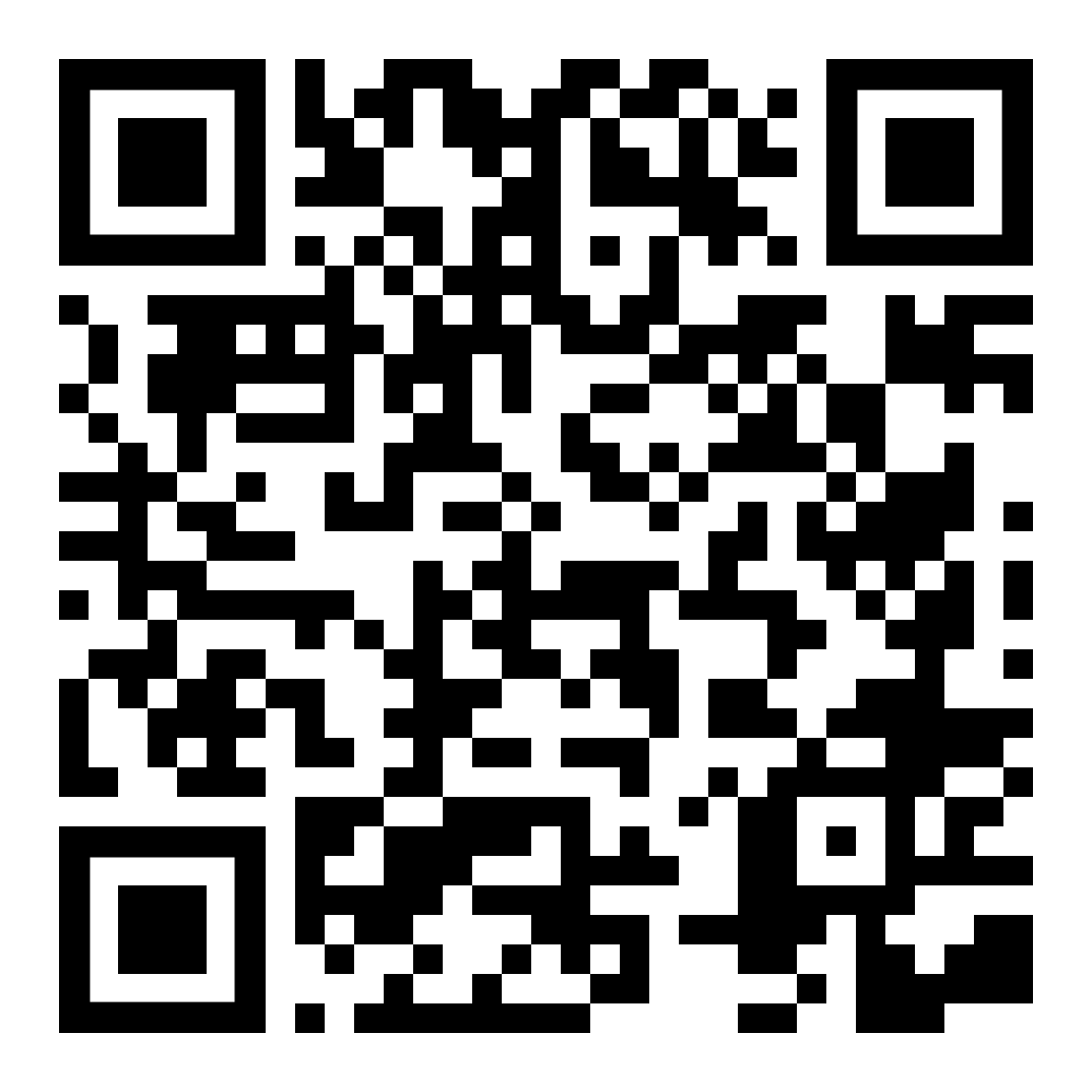
On a computer? Scan with your phone camera to open the app.